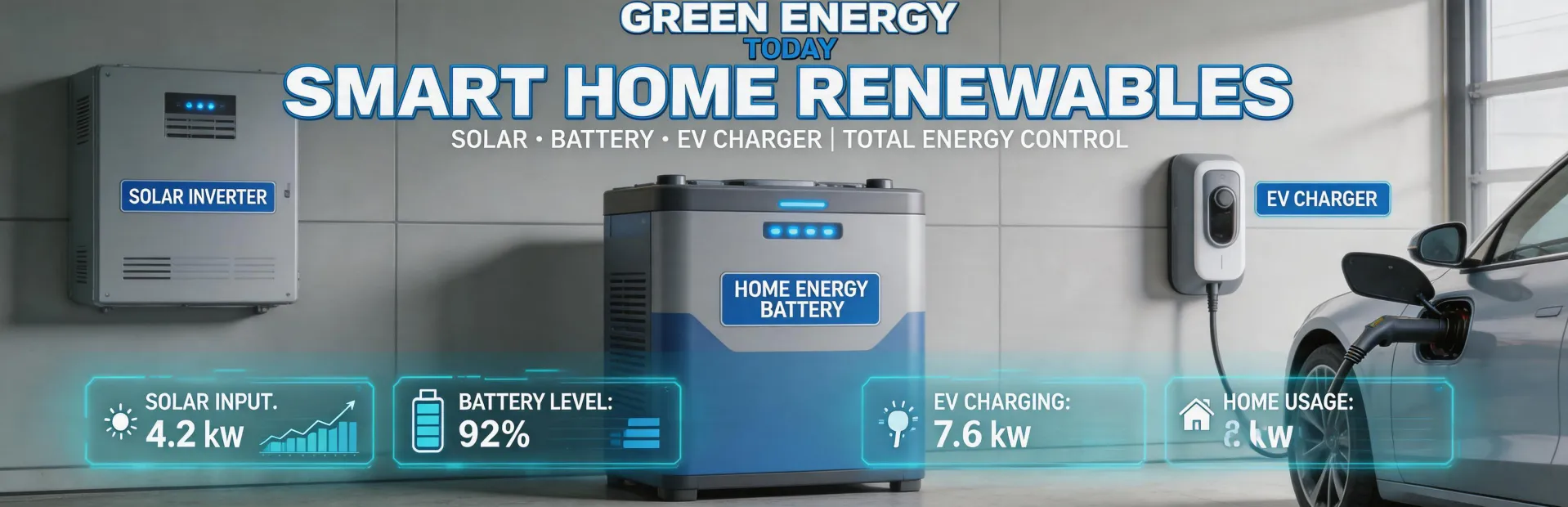
When I first started managing solar projects for our company, I assumed connecting a SolarEdge inverter to WiFi was a straightforward checkbox item. Just follow the manual, right? Three budget overruns and one $800 rework later, I realized that how you connect depends heavily on your situation—and that ignoring the details can cost you a lot more than the price of a gateway.
Here’s the thing: there is no universal “best” connection method. The right choice depends on whether you’re a homeowner with a single inverter, an installer juggling multiple sites, or a commercial project manager overseeing dozens of units. Below I’ll walk through each scenario, including the costs I’ve tracked over the years and the lessons I learned (sometimes the hard way).
Scenario A: You’re a Homeowner Trying to Monitor Your Own Roof
Most homeowners just want to see their production data on the SolarEdge app. The obvious path: use the inverter’s built‑in WiFi. It’s free, it’s included, and the manual says it takes “minutes.” But here’s what I didn’t anticipate.
The built‑in WiFi trap
“Free” isn’t free if it doesn’t work reliably. In our first year, we had three homeowners call about intermittent data. One had a metal roof that blocked the signal; another’s inverter was in a basement utility room. In both cases we spent hours troubleshooting before finally adding an external Ethernet‑to‑WiFi bridge ($45 each) or a cellular gateway ($150 plus $10/month data plan).
My advice: if your inverter is more than 30 feet from your router, or if there are thick walls or metal obstructions, don’t rely on the built‑in WiFi. Spend the $45 now instead of paying a service call later.
“I only believed this after ignoring it and eating a $200 dispatch fee for a site visit that ended with a $45 part.”
Cost breakdown (as of Q1 2025, verified against SolarEdge tech support and common retailer pricing):
- Built‑in WiFi: $0 hardware, but potential $150–$250 for troubleshooting if it fails
- External WiFi bridge (e.g., TP‑Link): ~$45 one‑time, 15 minutes to install
- Cellular gateway (SolarEdge branded): ~$150 hardware + $10/month data
Scenario B: You’re an Installer Managing 10+ Systems
When you’re installing multiple SolarEdge systems a month, you care about remote monitoring across all of them. The built‑in WiFi works for each individual site, but you’ll quickly run into fragmentation—you’ll have to log into each homeowner’s network, or rely on them to keep their router on.
The centralized monitoring fix
The pro play is to use SolarEdge’s cellular monitoring gateway for each site. Yes, it has a monthly fee, but it saves you hours of field support and gives you real‑time data without depending on the homeowner’s Internet.
I learned this the hard way. We initially tried a mixed approach—using built‑in WiFi where it was “good enough” and cellular only for problem sites. Within six months, we had three sites where the homeowner changed their WiFi password, and we lost all data for two weeks before we noticed. The cost of re‑establishing connection? Not huge, but the loss of production history made troubleshooting a headache.
Now our policy: for any new installation with a contract that includes monitoring, we quote the cellular gateway as the default. The upfront cost is $150, but over a 10‑year system life it works out to ~$18/month. Compare that to even one missed data month during peak performance—we’ve seen that cost customers confidence and sometimes billing disputes.
“Hit ‘confirm’ on that cellular gateway order and immediately thought: could I have saved $150 per site? Didn’t relax until the first cloud‑free monitoring dashboard appeared. It’s been three years and zero connectivity issues.”
Scenario C: You’re Managing a Commercial or Utility‑Scale Project
For larger commercial arrays (100+ kW), you’re likely using SolarEdge’s commercial inverter line with a Site Controller. The connection options are Ethernet, cellular, or even power‑line communication. Here, the choice affects not just monitoring costs but also the project’s total cost of ownership over 25+ years.
Ethernet vs. cellular vs. fiber
I once compared quotes for a 500 kW rooftop project. The installer recommended cellular ($500 modem + $40/month). I pushed for Ethernet because it seemed cheaper. After we dug trenches and ran conduit, the Ethernet installation cost $2,800. The cellular option would have been $500 + $40/month × 25 years = $12,500 total—which sounds high, but the Ethernet required $2,800 upfront plus annual maintenance of the wired connection. In the end, cellular was actually cheaper when we factored in the time value of money and the flexibility to add more inverters later.
“My initial approach was to avoid monthly fees. Two years later, I realized the ‘cheap’ wired option was more expensive when we had to reroute for a building expansion.”
Bonus: Bifacial vs. monofacial panels—a related cost decision
If you’re designing a commercial system, you’ll also face the bifacial vs. monofacial panel question. I won’t go deep here, but from a cost perspective: bifacial panels are typically 10–20% more expensive per watt but can capture 5–30% more energy depending on the ground/roof reflectivity. In a recent 200‑kW ground‑mount project we analyzed, the energy uplift paid back the premium in 3 years (source: NREL technical report, 2024). That’s a much faster payback than we see with most monitoring equipment choices.
How to Decide Which Scenario Fits You
Still unsure? Here’s a simple litmus test:
- One inverter, and you can place the router within 20 feet with no metal walls? Use built‑in WiFi. It’s genuinely fine for 80% of homes.
- Multiple sites or one system that you need remote access to without relying on someone else’s network? Bite the bullet and buy the cellular gateway. The $150 upfront is worth avoiding one missed data event.
- Commercial project with 50+ inverters? Run a TCO spreadsheet with installation labor, trenching, and 25‑year data plan costs. Often the answer surprises you.
If you’re planning a system and also considering EV charging integration—say, a SolarEdge EV charger installed in Brooklyn Park, MN—remember that the inverter’s WiFi connection can also be used to communicate with the charger. But only if the WiFi is reliable. For those projects, I’d strongly recommend the cellular gateway or Ethernet, because losing charger‑to‑inverter coordination kills the energy management benefits.
“I’d rather spend 10 minutes explaining these options than deal with mismatched expectations later. An informed customer asks better questions and makes faster decisions.”
Pricing as of Q1 2025; verify current rates with SolarEdge or your distributor. The information is based on my procurement experience (six years, $180,000 in cumulative spending tracked in our system) and publicly available SolarEdge documentation.

Jane Smith
I’m Jane Smith, a senior content writer with over 15 years of experience in the packaging and printing industry. I specialize in writing about the latest trends, technologies, and best practices in packaging design, sustainability, and printing techniques. My goal is to help businesses understand complex printing processes and design solutions that enhance both product packaging and brand visibility.