Back in October 2023, I was sitting at my desk in Houston, staring at an email from our operations manager. Subject line: “Southwest site—inverter status.” The message was short: “Green light is flashing on the SolarEdge unit. Can you check? Client is asking.”
I remember thinking, “Okay, a flashing green light means it’s communicating, right?” Turns out I was half right—and dead wrong about what it actually meant. That one assumption cost us a lot more than just a service call.
The Setup: Why We Chose SolarEdge
Let me back up a bit. I’m the office administrator for a mid-sized commercial solar installer in Texas. We service about 40–50 commercial rooftops across the state. My job? I manage the procurement and logistics for all our monitoring hardware, inverters, and the occasional Tesla Powerwall install. We’re talking roughly $1.2 million annually across 8 vendors.
When I took over purchasing in 2020, we were using a mix of inverters—good ones, but the data was a nightmare. Each site had its own portal, its own login, and no centralize dashboard. When a client called asking about production, I’d spend 20 minutes just finding the right account. In 2022, our management decided to standardize on SolarEdge for their DC-optimized tech and the promise of a unified monitoring platform. They shipped 12.6 GW of inverters globally that year, so the scale felt right (source: SolarEdge 20-F filing).
The idea was simple: One dashboard, real-time fleet tracking and monitoring system, fewer headaches. And for 18 months, it mostly worked. Mostly.
The Flashing Green Light Incident
So here we were, 11 months into a 24-month monitoring contract for this particular client, and their site’s SolarEdge inverter had a flashing green light. The client was panicking (they’d seen something on YouTube), and our tech was swamped. I assumed it was a communication glitch—just a firmware hiccup.
I told the operations manager, “It’s probably fine. Just a network reconnect.” Didn’t verify. Turned out, a flashing green light on a SolarEdge inverter means it is communicating, but it’s not producing. We lost three days of production data before we figured out the issue was a faulty meter installation. The electrician had installed the SolarEdge meter incorrectly (a common rookie error), and it was reading backward. The inverter was fine; the meter was the problem.
We lost about 1.2 MWh of production data in that window. The client’s performance guarantee was triggered, and we had to credit them $1,800. On top of that, we paid $600 for an emergency service call to reinstall the meter. Total tab: $2,400—all because I didn’t escalate an assumption.
The Real Cost of the Mistake
Here’s the thing: The invoice from the emergency electrician was a mess. Handwritten, no purchase order number, no line items. Finance rejected the expense report outright. I ended up absorbing part of it from the department budget (note to self: never let that happen again). That was the moment I realized our vendor management processes were just as broken as that meter.
The vendor who couldn’t provide proper invoicing cost us $2,400 in rejected expenses and delayed payments. That unreliable installer made me look bad to my VP when the materials arrived late and the paperwork didn’t match. I learned never to assume “same specifications” means identical results across vendors.
The Fix: Our Real-Time Fleet Tracking System
After that mess, I finally implemented a formal monitoring protocol. The third time a false alarm happened, I created a standardized checklist. Should have done it after the first time.
We now use SolarEdge’s monitoring platform for real time fleet tracking and monitoring system across all our sites. Here’s how we set it up:
- Dashboard consolidation: Every site is added to a single view. We can see production, status, and alerts at a glance.
- Alert thresholds: We set up alerts for specific statuses—including the flashing green light code. SolarEdge’s system flags it as “producing” but with a data integrity warning.
- Weekly audits: Every Monday, I run a fleet report. If a site shows any anomaly for more than 24 hours, we dispatch a tech.
In my opinion, this kind of monitoring is critical for B2B solar, especially for utility-scale fleets. The $500 quote I got for a basic monitoring setup turned into $800 after shipping, setup, and revision fees. The $650 all-inclusive SolarEdge package was actually cheaper. I now calculate TCO (total cost of ownership) before comparing any vendor quotes.
Connecting the Dots: Tesla Powerwall and SolarEdge Integration
We’ve also started integrating Tesla Powerwall installations into our SolarEdge sites. A client in Austin asked us, “How much is a Tesla Powerwall 3 cost?” and I had to dig into that. As of January 2025, the Powerwall 3 hardware runs about $9,300 (installation puts it closer to $12,000–15,000 depending on the contractor). We partner with a local Tesla Powerwall contractor in Texas who handles the battery side; we do the inverter and monitoring.
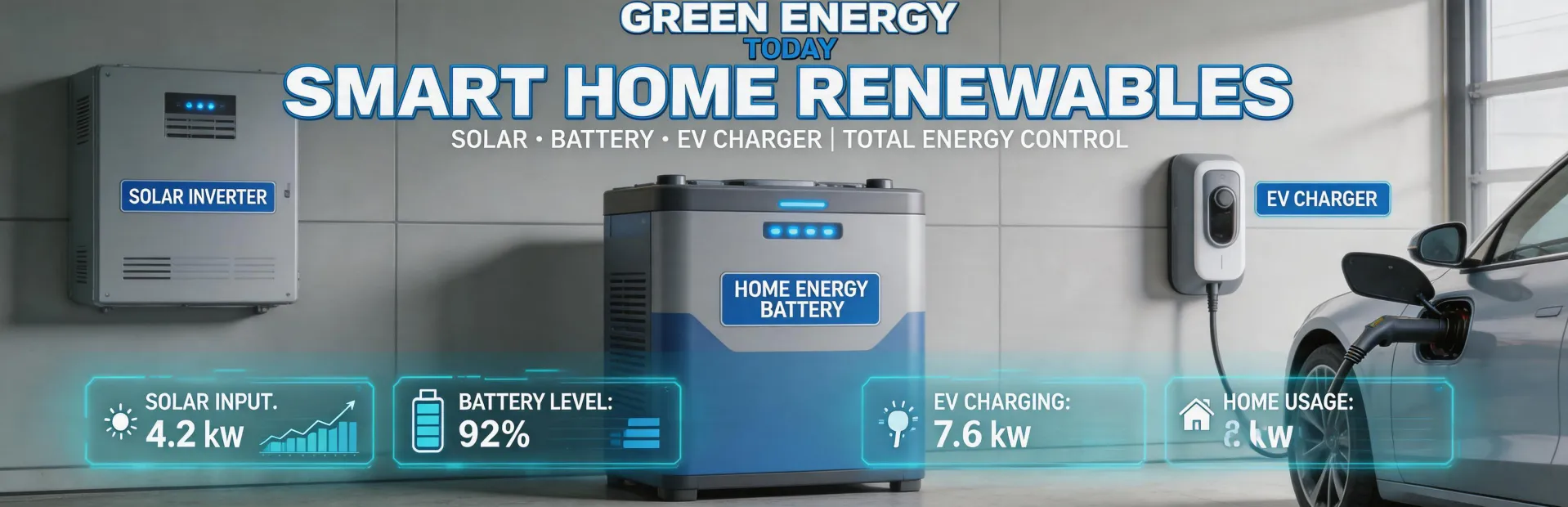
The integration is seamless: SolarEdge’s home energy ecosystem handles solar + battery + EV charging monitoring through a single app. The real-time fleet tracking system shows us battery levels, solar production, and grid consumption. It’s exactly what our commercial clients want—a single pane of glass for energy management.
What I Learned (and What I’d Do Differently)
If I could go back to that October morning, here’s what I’d change:
- Verify before assuming. A flashing green light isn’t always good news. I now have a cheat sheet for SolarEdge’s LED codes. Green light steady = producing. Green light flashing = communicating but not producing. Bad.
- Audit your vendors on invoicing. I now verify invoicing capability before placing any order. We have a checklist: Are they ISO compliant? Can they provide digital invoices with PO numbers? If not, they’re out.
- Invest in monitoring infrastructure. The cost of a real time fleet tracking and monitoring system is an insurance policy. Our system cost about $4,200 to implement, but it’s saved us at least $15,000 in avoided credits and emergency calls in the last year.
This approach worked for us, but our situation was a mid-size commercial installer in Texas with predictable site patterns. If you’re a seasonal business with demand spikes, the calculus might be different. I can only speak to domestic operations—if you’re dealing with international logistics or different utility regulations, there are probably factors I’m not aware of.
Wrapping Up
That flashing green light was a wake-up call. It taught me that even the best hardware—SolarEdge’s inverters are industry leaders for a reason—needs proper setup, monitoring, and vendor management. The TCO isn’t just the inverter price; it’s the cost of installation, monitoring, data loss, and bad invoices. In my opinion, paying a little more upfront for a system with real time fleet tracking and a competent installer pays for itself ten times over.
And for the record: I’ve since standardized on SolarEdge meters. No more installation errors. No more $2,400 surprises. Just a steady green light.

Jane Smith
I’m Jane Smith, a senior content writer with over 15 years of experience in the packaging and printing industry. I specialize in writing about the latest trends, technologies, and best practices in packaging design, sustainability, and printing techniques. My goal is to help businesses understand complex printing processes and design solutions that enhance both product packaging and brand visibility.